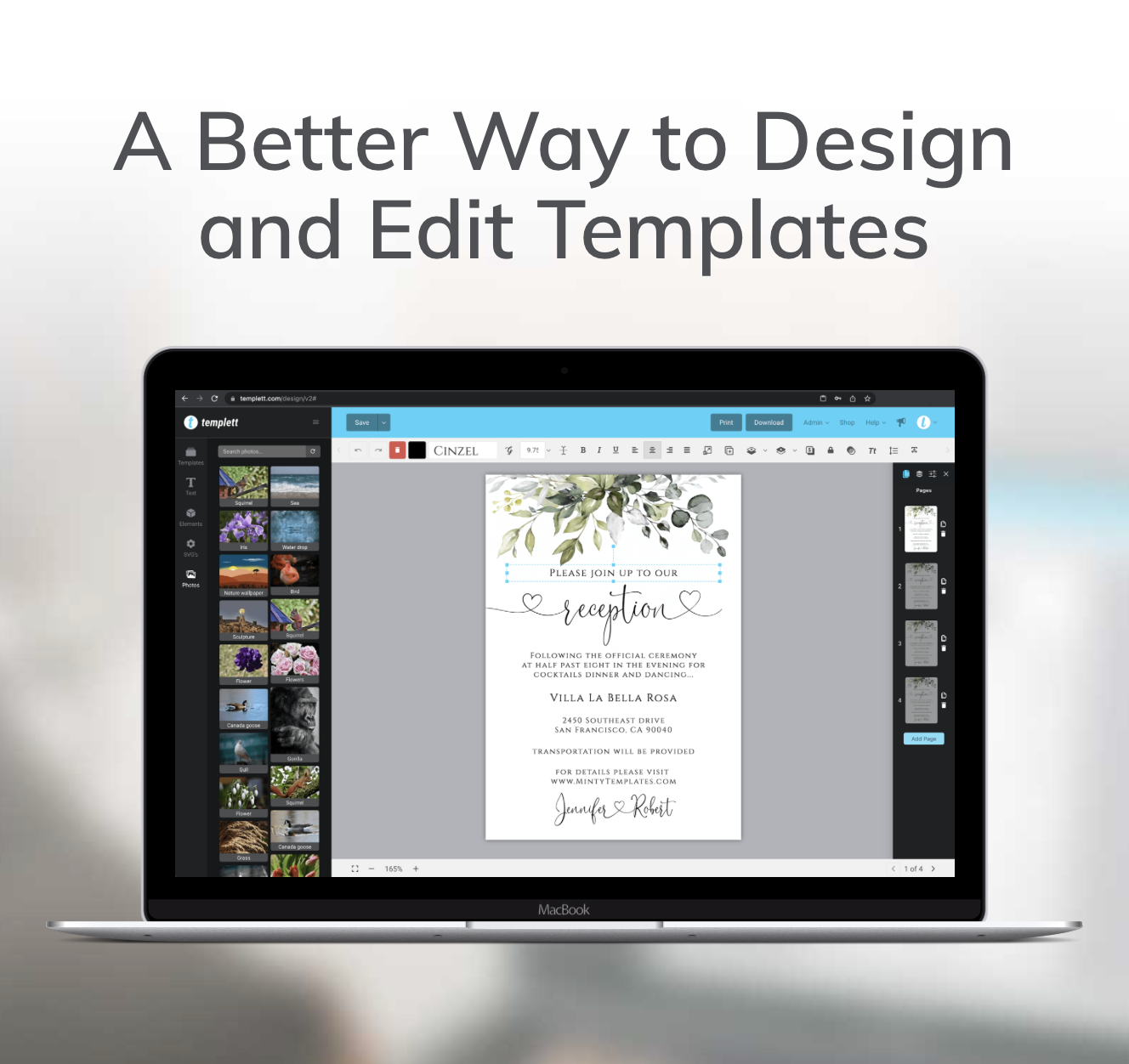
Up until now, each PDF contained one template. Obviously, customers want to save paper and print as many templates on a page that will fit. This had to be done manually for each customer that wanted it this way. It was always very easy to do on a Mac but on a PC was a...
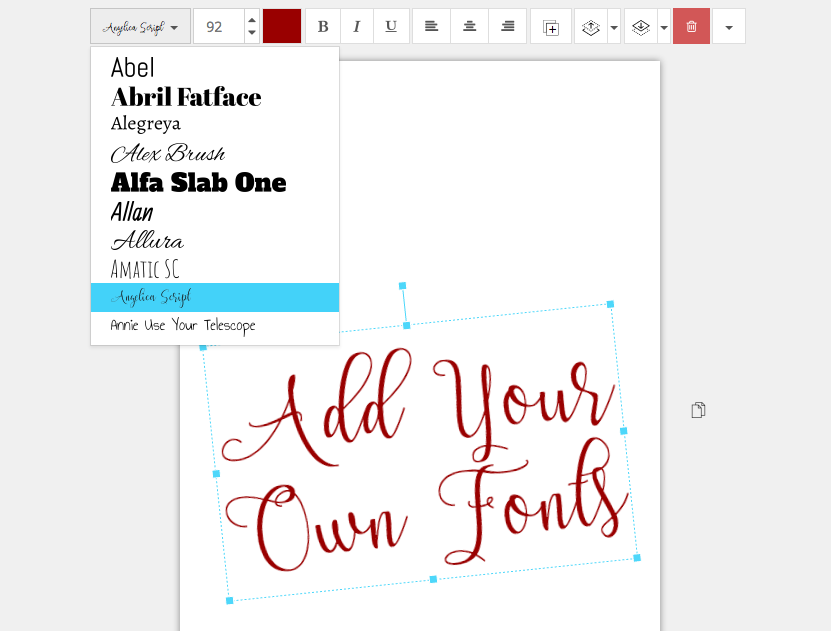
We provide a lot of fonts to use in the Templett designer. Over 200, in fact. But sellers have still wanted the ability to add their own fonts to create original designs and add their own unique touch to their templates. I completely understand that and we’ve...
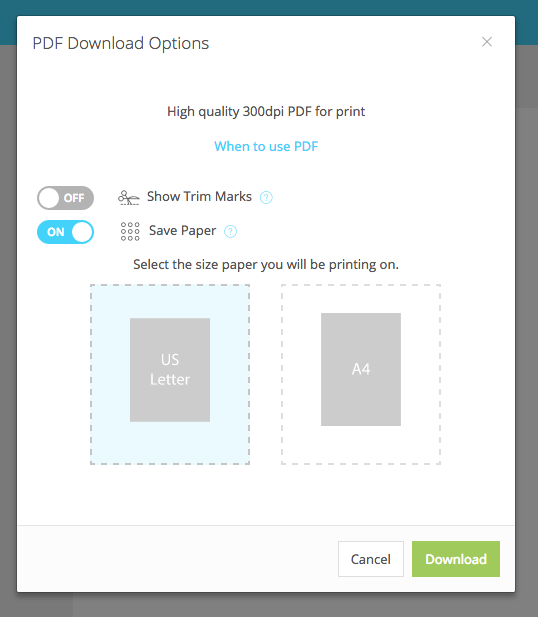
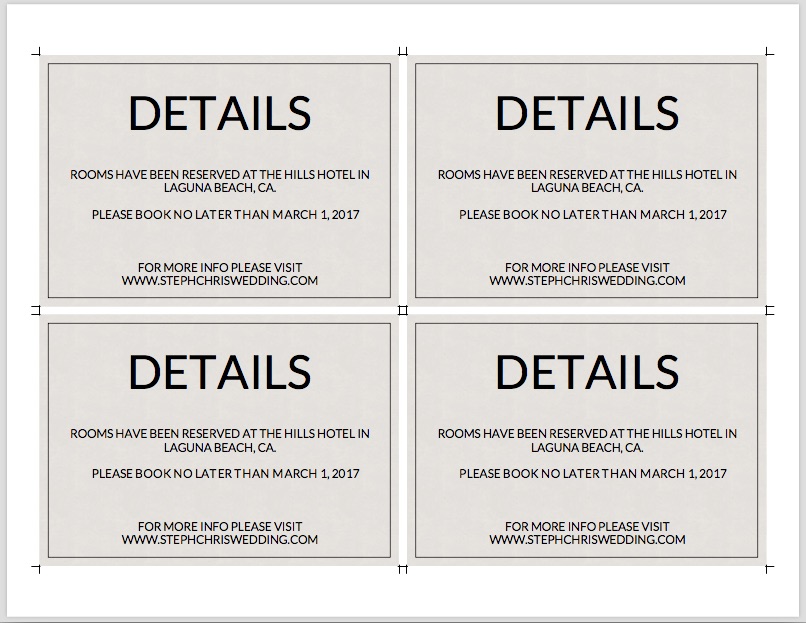
If you’d like to print multiple templates on one page to save paper, it’s very easy to do now right in Templett. Follow these easy steps below. Step 1: Click Download (cloud icon) and choose PDF Step 2: In the PDF options, switch on Trim Marks and Save Paper options...
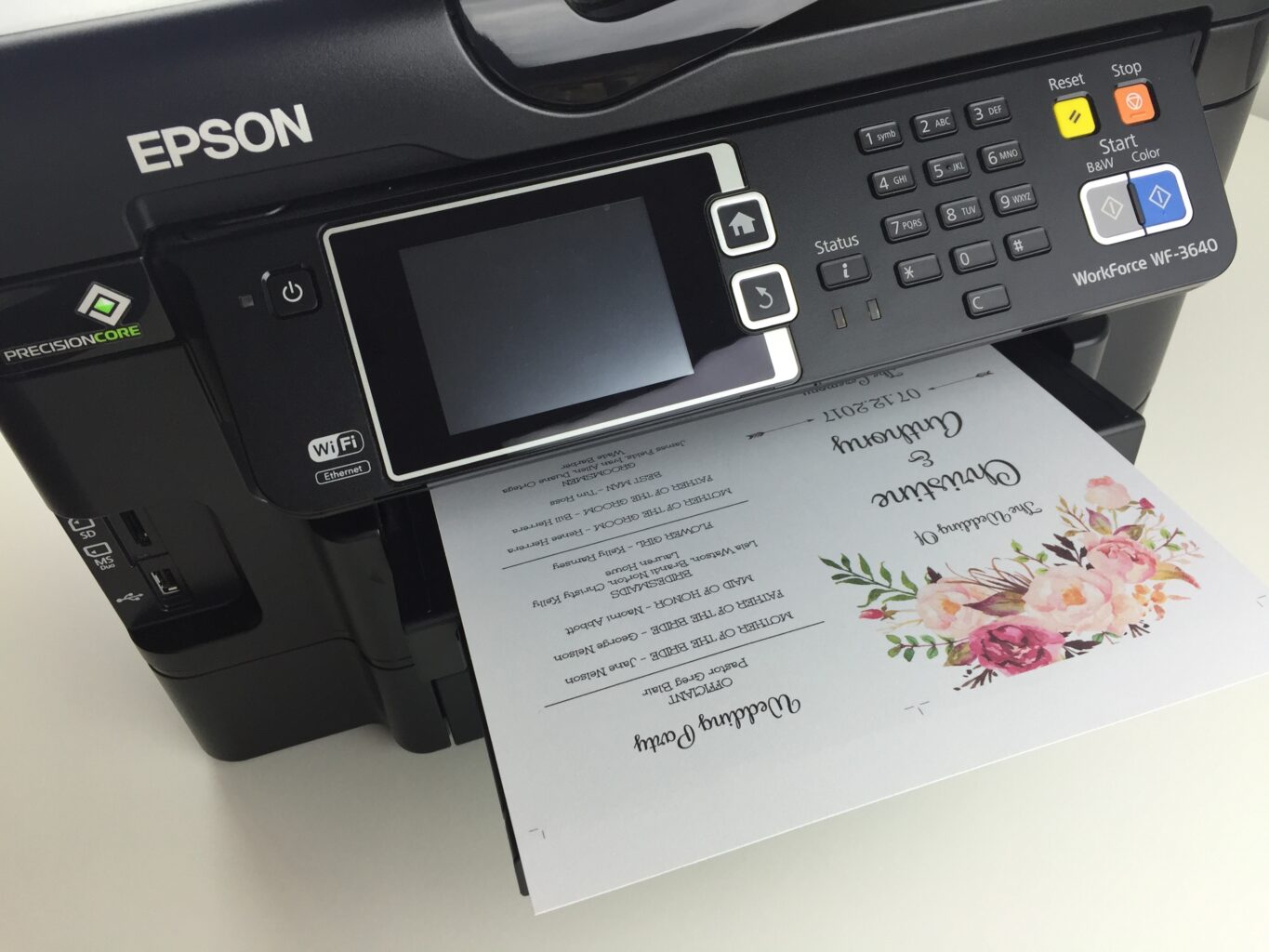
I get asked this question all the time. “How do I print the program template front and back?” While the answer is straight forward for me (because I do it all the time), I can understand how it can be a little confusing at first, especially when the...
Etsy is a vast marketplace for all kinds of products including printable templates. You’ve probably already noticed hundreds of shops selling printable templates of all styles, shapes, sizes and for every occasion. That’s wonderful because it gives you...