If you’re trying to figure out how to make printables to sell immediately, the biggest misconception is this:
You think you need to design something from scratch.
You don’t.
The fastest way to create printables that are ready to list—and actually sell—is to start with a professionally designed template and make a few smart, intentional changes.
Instead of building from zero, you’re refining something that already works.
That’s what makes this process fast, repeatable, and beginner-friendly.

The Shortcut Most Beginners Miss
When you open a blank canvas, every decision feels heavy:
- Where should the text go?
- What size should it be?
- What looks “right”?
That’s where people get stuck.
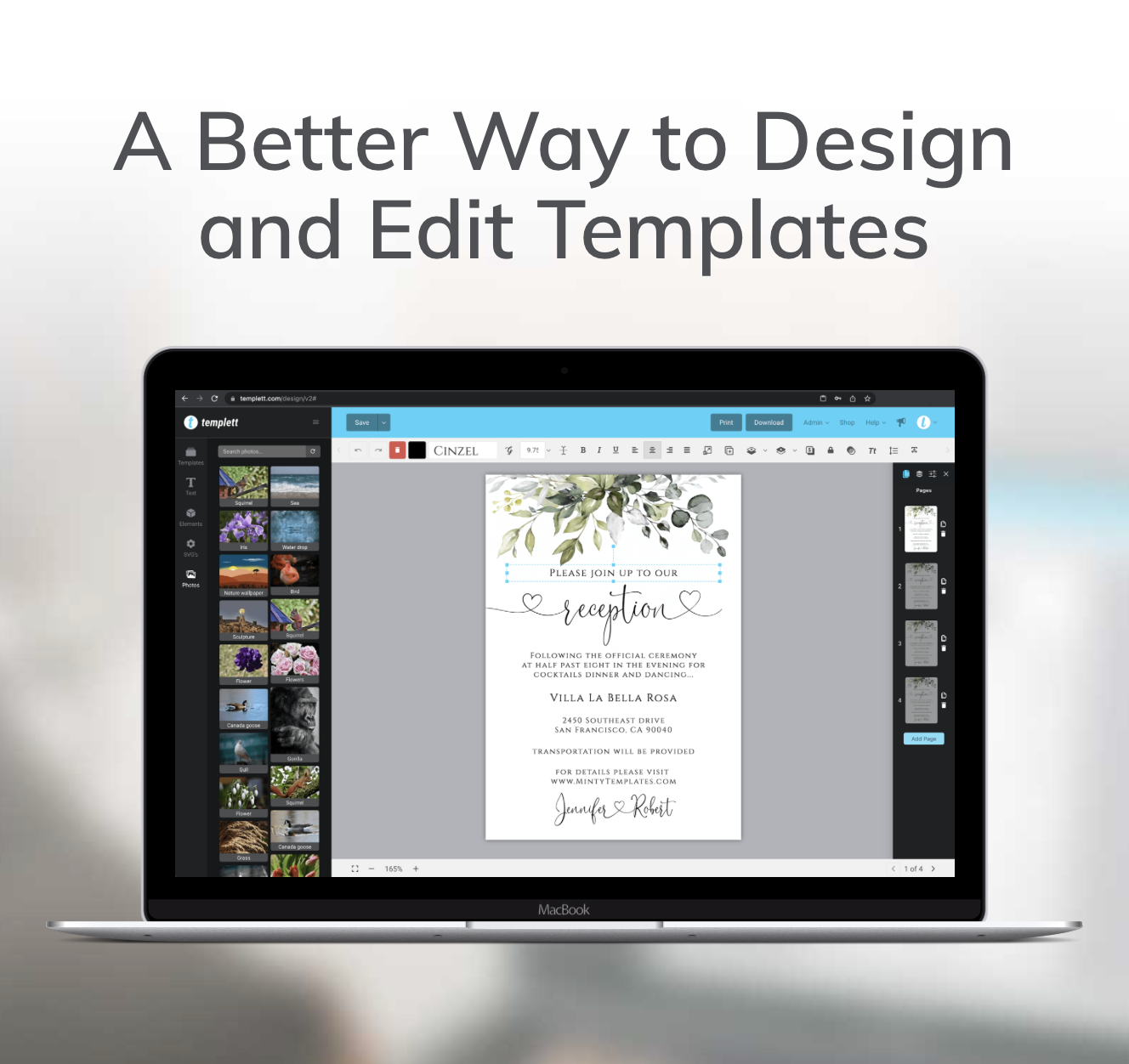
Templett removes that problem completely.
You start with a structured, balanced layout designed for real products—like wedding invitations, baby shower games, or birthday signage—and your role becomes much simpler:
👉 Make it feel unique, cohesive, and ready to sell.
You’re not guessing. You’re improving.
Step 1: Choose a Template That’s Already Sell-Ready
Start with a template designed for a specific life event:
- Wedding invitation suites
- Bridal shower games
- Baby shower welcome signs
- Birthday invitations
- Party decor sets
These aren’t random designs. They’re built with hierarchy, spacing, and readability already in place.
That means:
- The layout already works
- The proportions already feel balanced
- The structure already looks professional
Your job is not to fix the layout—it’s to customize the style.
Step 2: Customize the Style (Not the Structure)
This is where your design becomes yours—without making it complicated.
Focus on a few high-impact decisions.
Typography: Set the Tone Instantly
A simple font change can completely shift the feel of a template.
- Soft script + clean serif → elegant wedding
- Minimal sans-serif → modern baby shower
- Playful display font → kids’ birthday
You don’t need more fonts—you need the right combination.
And most importantly:
👉 The main text should always be easy to read at a glance.
Color Palette: Create Cohesion Fast
Instead of picking random colors, think in palettes.
- Warm neutrals → timeless and versatile
- Pastels → soft and welcoming
- Bold contrasts → fun and energetic
When your colors feel intentional, the entire design feels more polished.
This is one of the fastest ways to turn a basic template into something that looks custom-made.
Spacing & Alignment: The “Polish” Factor
Most beginner designs don’t fail because of fonts or colors—they fail because they feel cramped or uneven.
Even small adjustments can make a big difference:
- Add breathing room between sections
- Keep text aligned consistently
- Let important elements stand out
This is what improves both readability and visual cohesion—two things buyers instantly notice.
Step 3: Make It Specific (This Is What Sells)
A generic template blends in.
A specific one stands out.
Instead of listing:
- “Baby Shower Invitation”
Turn it into:
- “Neutral Boho Baby Shower Invitation”
- “Minimalist Baby Shower Invite”
- “Floral Garden Baby Shower Template”
You’re not redesigning—you’re repositioning.
This helps your product:
- Show up in more targeted searches
- Appeal to buyers with a clear style in mind
Specific = sellable.
Step 4: Turn One Template Into Multiple Products
This is where Templett really shines.
Once you’ve customized one design, you don’t start over—you build variations.
From one base template, you can quickly create:
- A wedding version
- A bridal shower version
- A baby shower version
- A birthday version
Or even within one niche:
- Boho version
- Minimal version
- Floral version
Same structure. Different styling.
This is how you create a full shop without doubling your workload.

Step 5: Know When It’s Ready to List
You don’t need to keep tweaking endlessly.
A printable is sell-ready when:
- The text is clear and easy to read
- The layout feels balanced (nothing crowded or off-center)
- The style feels consistent (fonts and colors work together)
- The design matches a specific theme or occasion
If it feels clean, intentional, and easy to understand—it’s ready.
The Real Skill: Making Simple Decisions Well
You don’t need advanced design skills to succeed with printables.
You need to get comfortable making a few key decisions:
- What style am I going for?
- Is this easy to read?
- Does everything feel cohesive?
That’s it.
When you focus on clarity and cohesion, your designs naturally look more professional.
Final Takeaway
If you want to learn how to make printables to sell immediately, don’t start from scratch.
Start with a template that already works—and customize it with purpose.
A few simple changes to fonts, colors, and spacing can turn a standard template into a polished, sell-ready product in minutes.
And once you’ve done it once, you can repeat the exact same process across:
- Weddings
- Baby showers
- Birthdays
- And beyond
That’s how you go from “I don’t know where to start” to having multiple products ready to list.
One template. Multiple outcomes. A process you can reuse again and again.