If you sell templates, here’s something I want you to hear early on: taking longer doesn’t automatically make your designs better. A lot of template sellers get stuck in a loop of tweaking, second-guessing, and waiting for a design to feel perfect before they list it. And while that feels responsible, it’s usually the thing slowing your shop down the most.If your goal is to create sell-ready products faster, the shift isn’t about working harder or learning advanced design skills. It’s about knowing what actually matters, making a few confident decisions, and letting the rest go.
Let’s walk through how to do that in a way that feels doable—even if you’re still building confidence.

Why faster doesn’t mean lower quality
Many sellers assume speed equals sloppy. In reality, the templates that sell best are usually simple, clear, and easy to use.
Buyers aren’t zooming in to inspect every detail. They’re asking themselves things like:
- Can I understand this quickly?
- Does this look professional?
- Will this solve my problem?
If the answer is yes, the template is doing its job.
When you focus on creating sell-ready products faster, you avoid unnecessary decisions and stay focused on what buyers actually care about.
Start with clarity, not customization
Before you change colors or fonts, get clear on one thing: what is this template for?
Is it meant to help someone plan, promote, organize, or communicate?
That purpose should guide every choice you make. When the purpose is clear, you’re no longer guessing—you’re deciding.
This step alone saves time because it prevents you from adding things that don’t belong or over-designing something that’s meant to be simple.
The three decisions that matter most
Instead of trying to “improve” everything, focus on three core areas. These are the fastest ways to turn a base template into sell-ready products faster.
1. Readability comes first
Readability is one of the biggest trust signals in a design.
Ask yourself:
- Is the text easy to read at a glance?
- Is there enough spacing between sections?
- Does the font choice support the purpose?
Clean, legible designs almost always outperform overly decorative ones. When in doubt, simplify.
2. Create visual cohesion
Cohesion is what makes a template feel intentional instead of thrown together.
To create it quickly:
- Limit your color palette
- Use consistent font styles
- Keep spacing even throughout the design
You’re not adding more—you’re tightening what’s already there. This is often the step that makes a design suddenly feel “done.”
3. Clarify hierarchy
Hierarchy tells the buyer where to look first.
Headlines should stand out. Supporting text should feel secondary. White space should give everything room to breathe.
When hierarchy is clear, the design feels easier to use—and ease sells.
Know when to stop
One of the hardest skills to learn as a template seller is knowing when to stop editing.
Here’s a simple checklist you can use:
- Is the purpose clear?
- Is it easy to read?
- Does it look cohesive and professional?
If you can answer yes to all three, it’s ready to list.
Sell-ready does not mean flawless. It means useful.

Why listing sooner helps you grow faster
The most successful template shops aren’t built on one perfect product. They’re built on consistency.
Every time you list a product:
- You get better at customizing
- You learn what your audience responds to
- You build momentum in your shop
Waiting too long to list delays all of that learning.
When you focus on creating sell-ready products faster, you create more opportunities for feedback, improvement, and sales.
Build a repeatable process
The real goal isn’t speed once—it’s speed over time.
When you use the same decision-making process for every template, customization becomes easier with each product. You’re no longer starting from scratch. You’re applying a system.
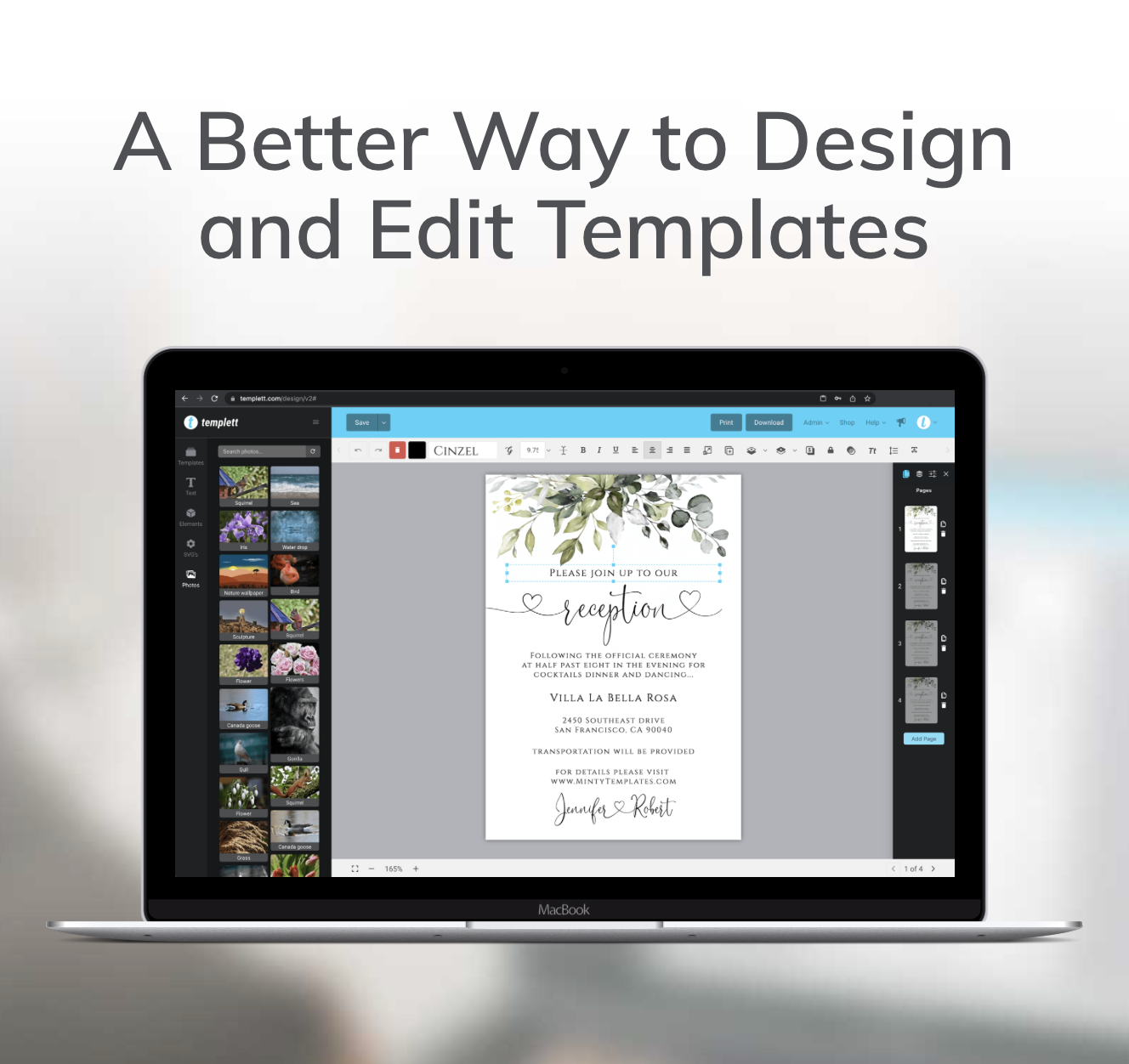
This is also where a platform like Templett fits naturally into your workflow. Templett is designed to help you take a solid template and make quick, intentional updates—without getting stuck in technical steps or over-designing.
Because the layout, spacing, and structure are already in place, you can focus on the decisions that actually help you create sell-ready products faster: clarity, readability, and cohesion.
That system leads to:
- Faster product creation
- More confidence in your designs
- A more consistent shop overall
Final advice for new template sellers
If you’re feeling stuck or unsure, remember this: buyers value clarity and usefulness far more than perfection.
Trust simple decisions. Focus on readability and cohesion. List sooner than feels comfortable.
That’s how you create sell-ready products faster—and how you build a shop that actually grows.