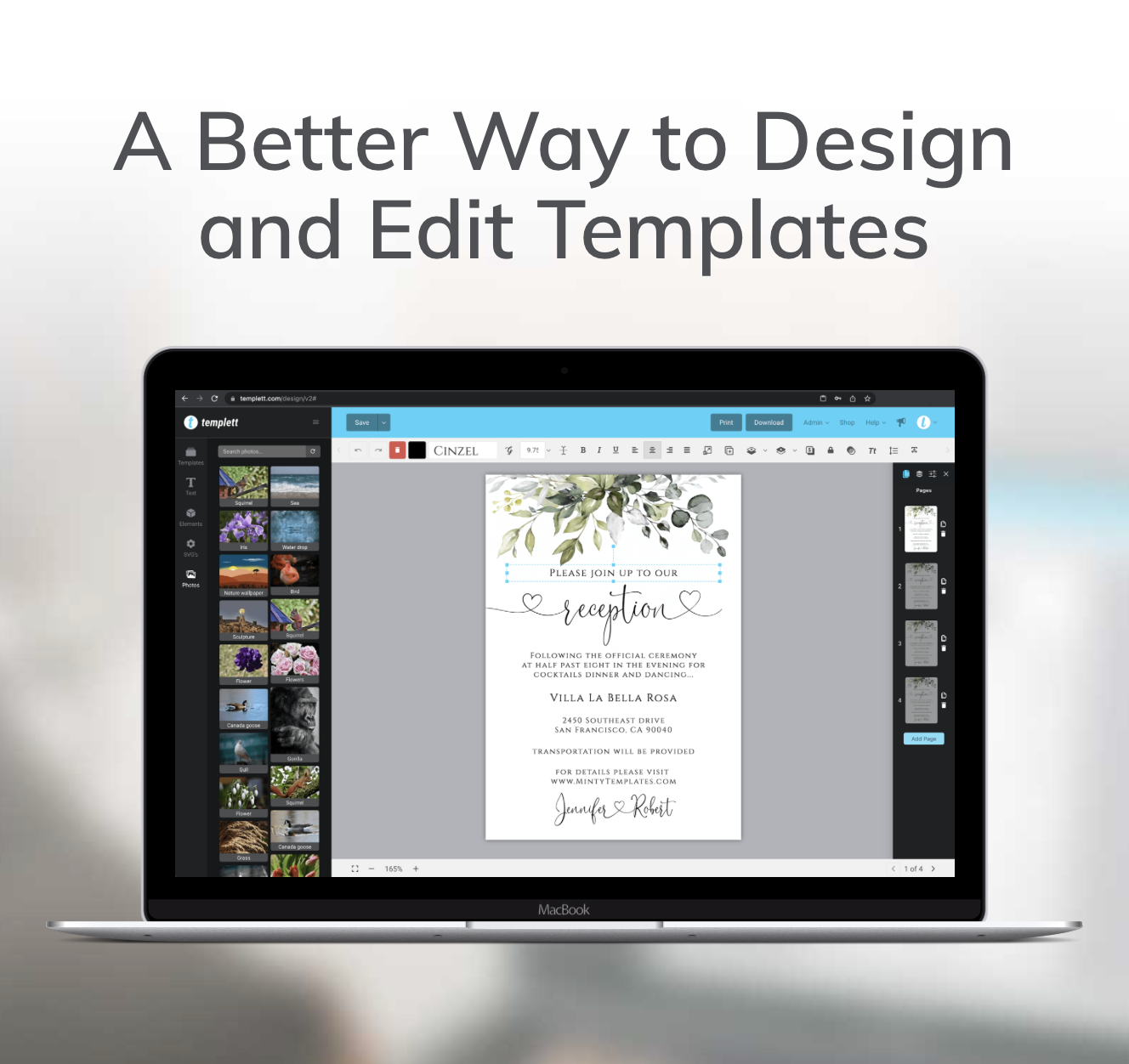
Creating a professional-looking design doesn’t require a design degree — it simply takes understanding a few timeless Templett design principles. Every great layout, invitation, and business card follows certain visual rules that make them look polished and cohesive.
If you’ve ever wondered why some designs look instantly appealing while others feel a little “off,” this guide will show you why — and how to apply these lessons directly in Templett.

Contrast: The Secret to Visual Impact
Contrast is one of the simplest yet most powerful principles in design. It helps important elements stand out and makes your design easier to read. Without contrast, everything blends together and the message gets lost.
In Templett, you can create contrast in several ways:
- Font contrast: Pair fonts with different weights or styles. Try combining a bold serif headline with a light sans-serif subheading.
- Color contrast: Light text on a dark background (or vice versa) grabs attention and enhances readability.
- Size contrast: Make key information — like names or titles — at least 1.5 times larger than supporting text.
💡 Templett Tip: Zoom out and look at your design from a distance. If your eye isn’t naturally drawn to the headline or most important section, increase the contrast. Try darkening text, lightening the background, or enlarging your focal point.
Good contrast not only improves visibility but also adds energy and rhythm to your design. In Templett, experimenting with font pairings and color variations is effortless — and it often leads to surprising creative breakthroughs.
Learn more about: Psychological Impact Across Design Disciplines
Alignment: Keeping Everything Organized
Alignment gives your design structure and makes it feel balanced. When elements aren’t lined up properly, the entire layout can look unpolished — even if the colors and fonts are perfect.
In Templett, alignment is simple thanks to built-in smart guides. These pink lines appear automatically when you move elements, helping you line everything up precisely.
Here are a few practical ways to apply alignment effectively:
- Consistent margins: Keep equal space on all sides of your layout. Uneven margins can make the design feel lopsided.
- Group related elements: If your text includes names, dates, and locations, align them along one edge for a cleaner look.
- Choose a dominant alignment: Center alignment works well for formal invitations or minimal layouts. Left alignment feels modern and easy to read, especially for business templates.
💡 Templett Tip: Avoid “almost” alignment — either fully commit to centered or stick with one clear edge. Templett’s guides make this effortless and consistent.
Alignment might seem subtle, but it’s what separates amateur designs from professional ones. A well-aligned template feels calm, trustworthy, and intentional — exactly the impression you want your design to leave.
Spacing: Giving Your Design Room to Breathe
Whitespace — or negative space — is one of the most underrated design tools. It’s not empty; it’s active breathing room that helps the eye rest and makes your layout easier to process.
In Templett, spacing is completely under your control. You can move, resize, and space elements precisely to create balance and clarity.
Here’s how to use spacing effectively:
- Leave generous margins. Avoid crowding text or graphics near the edge. Extra room around your content makes it look more refined.
- Adjust line spacing. Too little spacing between lines makes text dense; too much makes it feel disconnected. Templett allows you to tweak this easily in the text toolbar.
- Separate sections visually. Use spacing to define groups — for instance, add extra space between a headline and the event details.
💡 Templett Tip: Step back and squint at your design. If it feels cluttered or hard to follow, add space — not elements. Less truly is more.
Proper spacing creates hierarchy. It directs attention naturally, showing your viewer what’s most important without needing arrows or bold colors.
Repetition: Building Visual Consistency
Repetition ties your design together and gives it rhythm. It’s a core part of Templett design principles, helping you use certain visual elements — like colors, fonts, or shapes — consistently across your layout.
In Templett, repetition is simple to apply:
- Use the same font family for headlines and subheads.
- Stick to one or two accent colors.
- Repeat decorative motifs or icons to create unity.
💡 Templett Tip: If you’re designing a full event suite (like invitations, menus, and signage), copy key elements across each file in Templett. That consistency creates a professional, cohesive presentation.
Repetition builds recognition. When your audience sees the same style across multiple templates, they immediately associate it with your brand or event theme.

Hierarchy: Guiding the Eye
Visual hierarchy ensures your viewer knows where to look first. It’s all about emphasizing the most important information.
In Templett, you can establish hierarchy by adjusting:
- Size: Make the main heading largest, then step down in size for subheadings and body text.
- Weight: Use bold for emphasis and lighter weights for supporting details.
- Color: Highlight key details (like names or dates) with accent colors that contrast against your background.
💡 Templett Tip: Think of your design like a story. Lead with the headline, follow with the essentials, and end with fine print. Templett’s live preview helps you quickly test readability and flow.
A strong hierarchy keeps your audience engaged — it turns a design from confusing into clear and elegant.
Applying These Templett Design Principles
The beauty of Templett design principles is that they’re simple yet transformative. Every time you adjust alignment, experiment with contrast, or fine-tune spacing, you’re thinking like a professional designer.
Templett’s tools make it easy to apply these concepts intuitively:
- Drag and drop elements with built-in alignment guides.
- Test contrast quickly with live color adjustments.
- Duplicate designs to maintain repetition across templates.
By mastering these small but powerful principles, you’ll create templates that feel cohesive, intentional, and print-ready every time.
Remember, great design isn’t about doing more — it’s about doing less, thoughtfully. With Templett, you have everything you need to craft templates that not only look beautiful but also communicate clearly.
So the next time you open Templett, take a moment to slow down, adjust your spacing, test your contrasts, and align every element with care. These little details are what turn a design into an experience — one that reflects your creativity and inspires confidence in your work.