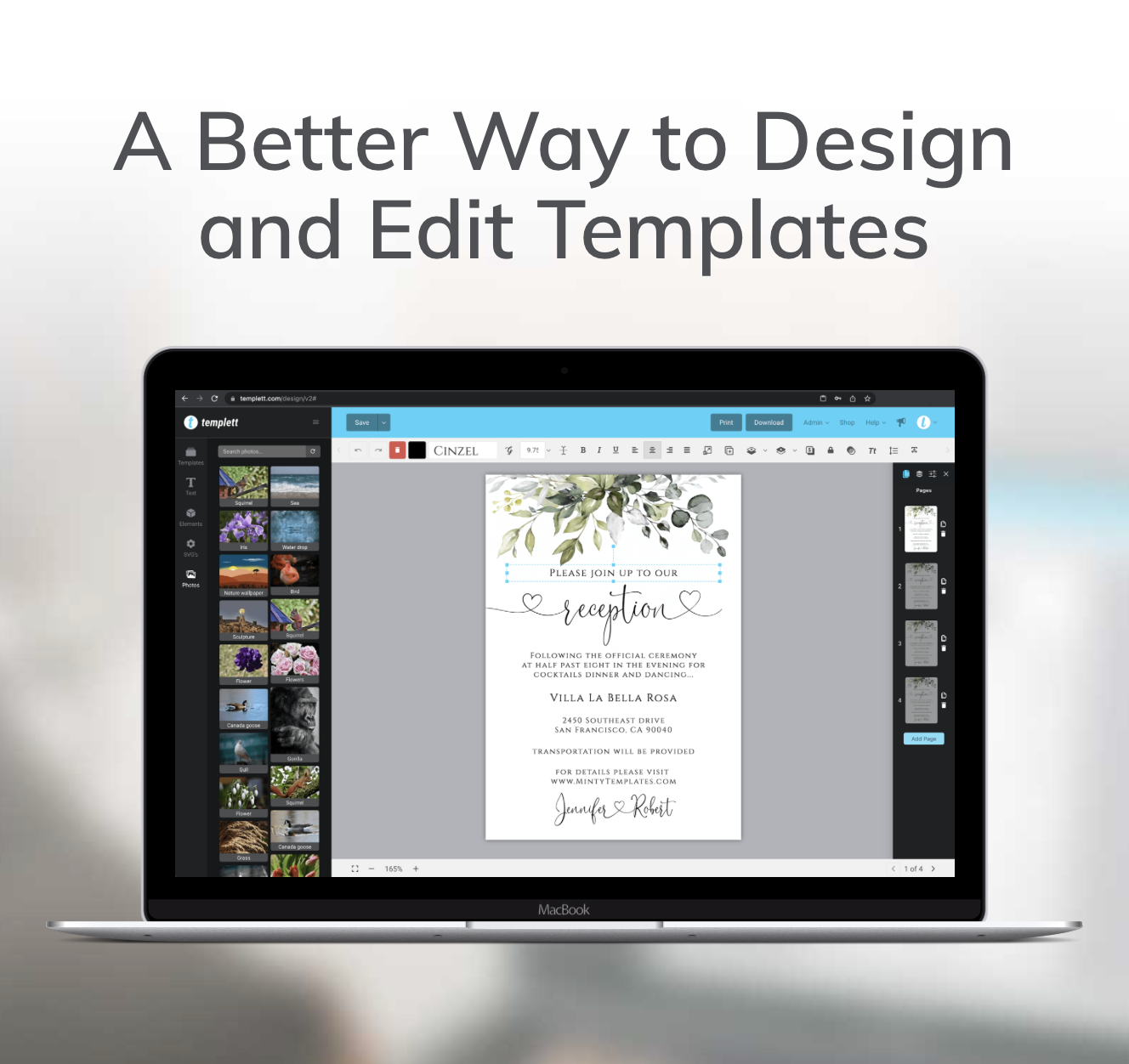
Shoppers don’t just want designs — they want useful tools they’ll come back to again and again. That’s why Templett’s new editable calendar feature is a game-changer for sellers.
With editable calendars, you can give customers a tool they’ll actually use, all while making your shop stand out from the competition. Let’s explore how it works and, more importantly, how it can help you grow your business.
Why Sellers Should Pay Attention
When you’re running a shop, every design choice matters. Adding the new calendar feature into your templates might sound simple, but it has a big impact:
- More functionality = more value. A save-the-date card with a highlighted wedding day feels instantly more meaningful than one with plain text.
- Better customer experience. Shoppers love when a template feels effortless to edit. A calendar that updates with a couple clicks saves them time and frustration.
- Stronger marketability. Products with calendars stand out because they feel modern, useful, and unique.
In other words, the new calendar feature isn’t just about adding dates — it’s about helping your templates sell.

How to Add a Calendar to Your Template
Here’s a clear breakdown of how you can use the new calendar feature in your designs:
- Choose your template — You don’t have to start from scratch. Open any existing design or begin a new one and you’re ready to go.
- Go to Elements › Calendar — You’ll now see a dedicated Calendar option in the Elements panel.
- Pick your month and year — It only takes seconds to set the calendar to the exact month and year your customer needs.
- Click Add Calendar — The calendar drops directly into your template.
- Customize to match your style — Adjust fonts, colors, backgrounds, and alignment so it blends seamlessly with your design.
The entire process takes minutes, but the value it adds to your template is long-lasting.
Effortless for Sellers. Seamless for Customers
Before now, creating an editable calendar was a huge headache. Sellers had to manually design grids, align dates, and re-build everything for each new month or year. Even then, customers often struggled to make edits without breaking the design.
As a seller, you don’t have to waste time designing a calendar grid from scratch — it takes just a few clicks to drop one into your template and style it to match your design – no complicated design work, no wasted time. For your customers, editing is just as simple: they select their month and year, and the calendar instantly updates with the correct dates. It’s professional for you, intuitive for them, and creates a polished, interactive design that sells.
Where Sellers Can Use Editable Calendars
The real power of the new calendar feature comes from how versatile it is. Sellers can use it in countless products:
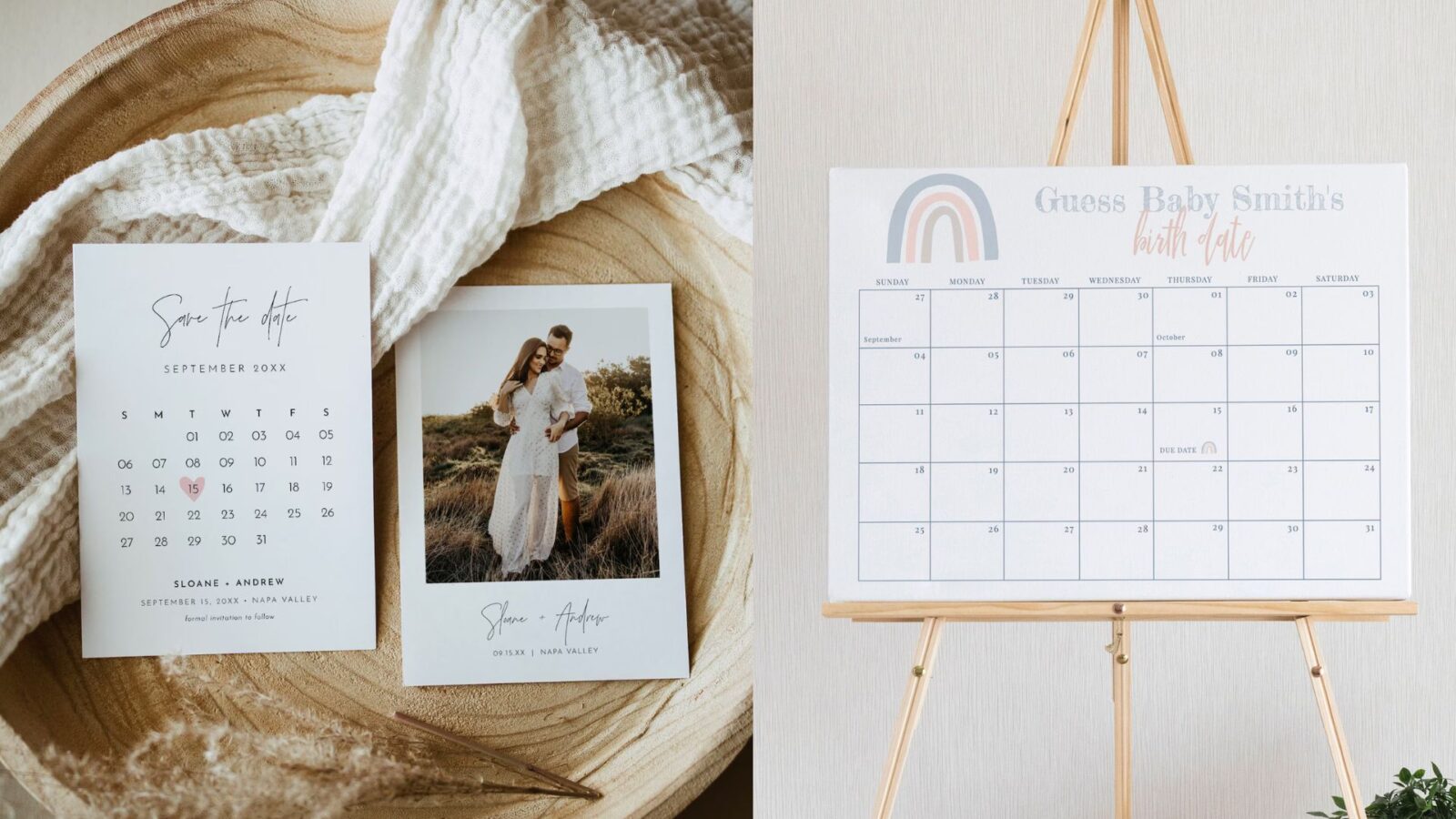
- Save the Dates — Highlight the wedding date so it’s unmissable.
- Baby Showers — Create guess the baby birth date sign.
- Birthday Invitations — Make the celebration date pop in style.
- Holiday Save the Date Cards — Add a festive calendar to make seasonal designs stand out.
Every time you integrate a calendar, you’re making the template more engaging — which makes it more appealing to buyers.
The Business Advantage for Sellers
Here’s why this feature is more than “just another tool”:
- Increased value. Customers are willing to pay more for templates that are functional and easier to edit.
- Stronger differentiation. If your shop offers editable calendars while others don’t, you immediately stand out.
- Faster workflow. Adding a calendar is simple, so you can release more high-quality products in less time.
- Repeat purchases. A great customer experience encourages buyers to come back for more designs.
Think of the new calendar feature as a small detail that creates a big advantage in a competitive market.
Try the New Calendar Feature Today
The new calendar feature is live now and ready for you to use. Log in to your account, open a design, and see just how quick it is to add a fully editable calendar that your customers will love.
From weddings and baby showers to birthdays and graduations, calendars give your templates a unique edge that’s both beautiful and practical.
So go ahead — experiment with this new feature, add it to your bestsellers, and watch how it transforms the way customers interact with your designs.
Your shop deserves products that stand out, and the new calendar feature helps you deliver exactly that.