Starting a small business can feel like a lot. You need a product, a shop, a style, the right tools, and some idea of what people actually want to buy. When you’re new to all of it, even deciding where to begin can become its own project. But you don’t need to figure everything out at once. If you want to start a digital shop, editable templates can make the process much more manageable. You can begin with one simple idea, turn it into something useful, and build from there.
Think about the moments people celebrate throughout the year: weddings, bridal showers, baby showers, birthdays, graduations, anniversaries, and more. Each event comes with things people need, from invitations and signs to menus, games, thank-you cards, and seating charts.
That’s a lot of room to create without needing a completely new business idea every time.

Why Templates Are a Good Place to Begin
One of the biggest advantages of digital products is that you can create something once and continue building from it.
There’s no physical inventory to store or packages to prepare for every order. More importantly, you can start with a small collection instead of feeling like you need dozens of products before your shop is ready.
Imagine you create a bridal shower invitation you really like. That one design direction could become:
- A welcome sign
- Bridal shower games
- Favor tags
- Thank-you cards
- Matching table signs
You’re no longer trying to come up with five unrelated ideas. You’re developing one good idea into a collection.
That shift can make creating products feel much less overwhelming.
You Don’t Have to Start With a Blank Page
There’s a common idea that being creative means making everything from scratch.
It doesn’t.
A ready-made template gives you a starting point. The creative work comes from deciding how you want to transform it.
Maybe you change the typography and colors. Maybe you simplify the layout, add an illustration, or take the design in a completely different direction.
For example, imagine starting with a simple floral bridal shower invitation. Soft greens and botanical details could turn it into a garden-party design. Clean typography and more open space could create something modern and minimal. Delicate pinks, bows, and playful type could give the same concept a romantic feel.
The goal isn’t to change things just so they’re different.
It’s to make a series of simple design decisions that work together.
That’s what makes a template feel unique.
What Actually Makes a Template Look Professional?
When a design doesn’t feel finished, it’s tempting to add more.
Another font. Another illustration. Another decorative element.
But more isn’t always the answer.
Often, the biggest improvement comes from looking at three things: readability, hierarchy, and cohesion.
Ask yourself:
- Is the important information easy to find?
- Does the eye naturally know where to look first?
- Do the fonts, colors, illustrations, and spacing feel connected?
- Is there enough breathing room around the content?
These questions help you look at the design as a whole instead of focusing on individual decorations.
For example, if the event name, date, location, and illustrations are all competing for attention, adding another graphic probably won’t solve the problem. Adjusting the hierarchy might.
Maybe the event name needs to be larger. Maybe secondary details should be quieter. Maybe removing one element gives everything else more room.
These are simple tweaks, but they’re often what separate a design that feels busy from one that feels polished.
And the more you practice noticing them, the easier those decisions become.

Choose Tools That Keep Things Simple
It’s easy to assume you need a long list of tools before you can start a digital shop.
Usually, you don’t.
The better approach is to think about your entire process. You need to create the product, prepare it for your shop, and make it easy for the customer to use.
For editable templates, there’s another important question: What happens after someone buys the design?
Ideally, you don’t want every sale to create another manual editing job for you. If a customer needs a different name, date, location, or wording, they should be able to make those updates easily themselves.
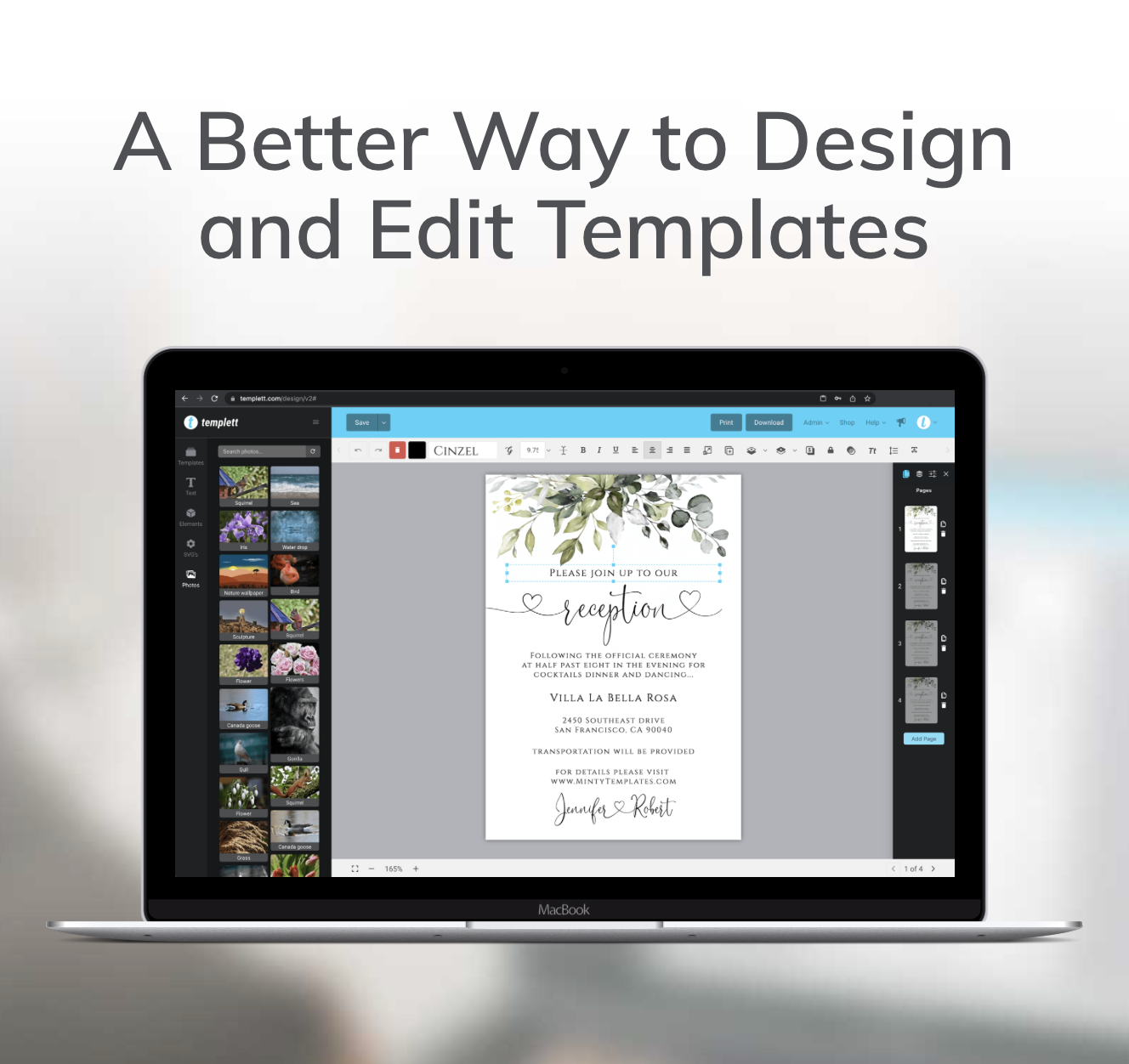
That’s where a template-focused tool like Templett fits into the process.
Templett gives you a way to create editable templates that customers can personalize after purchasing. Instead of focusing on manually customizing every order, you can spend more of your time creating new designs and collections.
The goal isn’t to have more tools.
It’s to have the right tools so your workflow stays simple as your shop grows.
Get Specific Before You Start Designing
“I’m going to make wedding invitations” sounds like a plan.
But it’s still incredibly broad.
Compare that with a modern garden wedding invitation.
Suddenly, you have direction.
You can start picturing the colors, typography, illustrations, and overall mood. You also have a clearer idea of who might be looking for the design.
The same applies to other occasions. Instead of simply creating a birthday invitation, you might create a colorful first birthday invitation with hand-drawn fruit. Instead of a general baby shower invitation, you might choose a soft botanical theme with neutral colors.
Specific ideas make creative decisions easier.
They can also make your shop feel more cohesive because your products begin to have a clear point of view rather than looking like a random collection of designs.
One Design Can Become an Entire Collection
This is one of the most useful habits to develop when you start a digital shop.
When you finish a design, don’t immediately move on to something completely unrelated.
Ask yourself:
What else would this customer need?
If you’ve created a wedding invitation, the same design direction could work for a details card, menu, welcome sign, table numbers, seating chart, or thank-you card.
You’ve already made many of the difficult creative decisions. You know your colors. You know your fonts. You know the illustration style and overall mood.
Now you’re applying those decisions to another product.
That makes the process faster while keeping everything visually cohesive and easy for customers to recognize as a collection.
It also gives you an easier answer to the question every creator eventually asks:
What should I make next?
Sometimes the answer is already sitting inside the product you just finished.
Your First Shop Doesn’t Need to Be Huge
If you want to start a digital shop, it’s easy to look at established Etsy shops with hundreds of listings and assume you need a huge catalog before you’re ready.
You don’t.
Instead of thinking about filling an entire shop, start with one small collection.
Choose one occasion and one clear visual direction. Create a handful of coordinating products, then look at the collection as a whole.
Do the products feel connected? Is the information easy to read? Does the style feel consistent? Would someone planning the same event naturally want more than one of these items?
Make the simple tweaks that improve readability and bring everything together. Once the collection feels polished and visually cohesive, get it ready to list and use what you learned to create the next one.
You’ll learn much more from finishing a small, sell-ready collection than endlessly trying to perfect your very first design.

Build a Process You Can Repeat
Once you’ve finished your first collection, you’ve done more than create a few products.
You’ve created a process.
It might be as simple as:
Choose an occasion → choose a specific style → customize your template → improve readability and hierarchy → create matching products → polish the collection → get it ready to list.
The next time, the occasion might change.
Maybe you move from a bridal shower to a baby shower. Maybe you try birthdays next. Maybe you take a style that worked well and adapt it for another life event.
You don’t have to reinvent the process every time.
That’s where things start getting easier. You know what decisions need to be made, what details to look for, and how to move from an initial idea to a polished collection.
Start With One Good Idea
You don’t need your entire Etsy shop figured out before you create your first product.
You don’t need dozens of ideas waiting in a folder either.
Start with one occasion and one customer you can picture using what you’re making.
Create something useful for them. Make sure it’s easy to read. Give the design a clear visual direction. Then look at what you’ve created and think about what could naturally come next.
One invitation might become a collection.
One collection might help you discover a style you enjoy creating.
And one repeatable process can make the next product much easier than the first.
That’s a much more manageable way to start a digital product shop, not by trying to build everything at once, but by taking one good idea and seeing how far you can take it.