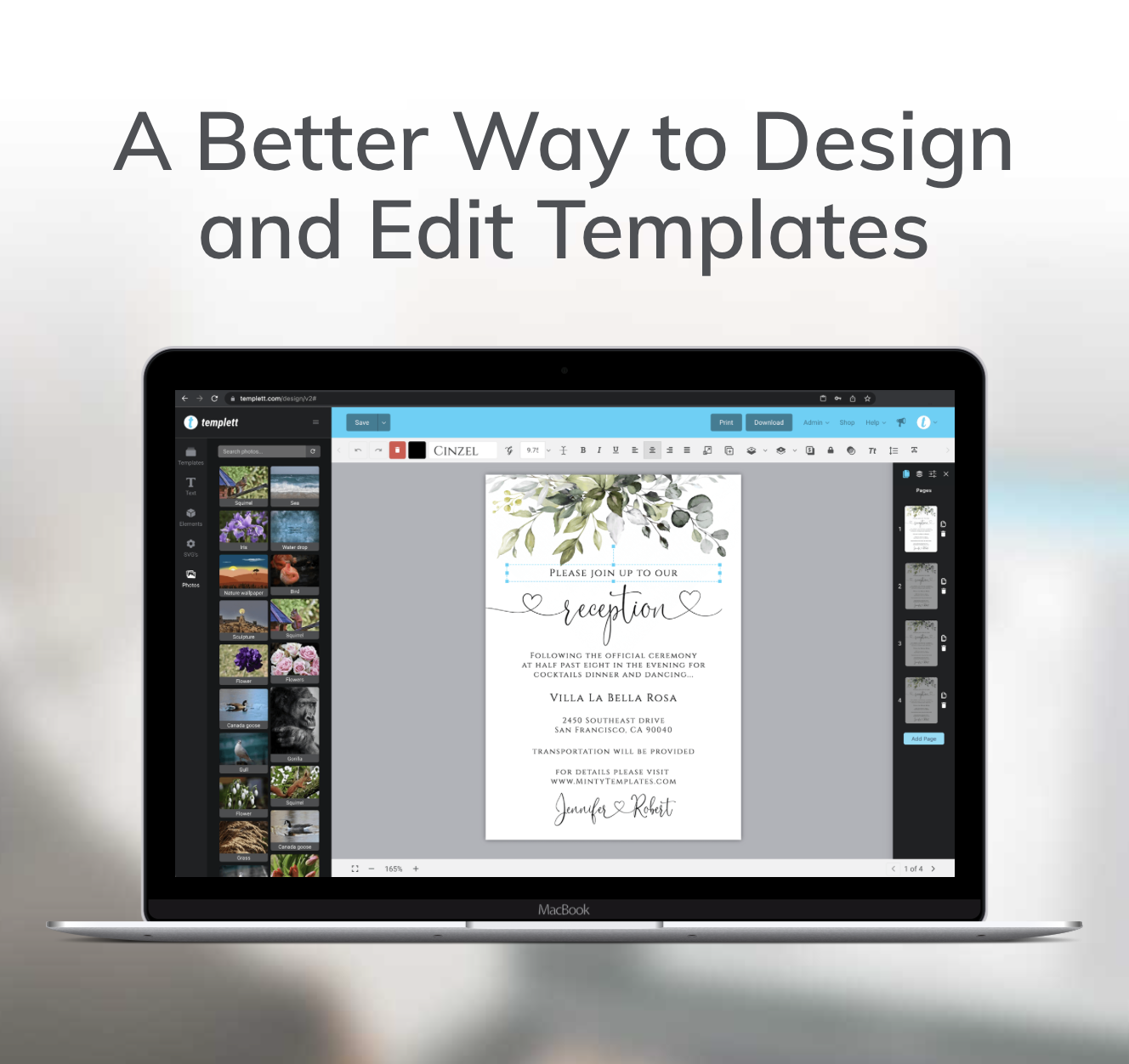
Creating user-friendly editable templates is about more than making beautiful designs. It’s about making sure those designs remain beautiful, readable, and professional when your customers customize them.
As a template seller, it’s easy to focus on creating eye-catching designs, polished listing images, and attractive product collections. But what happens after someone makes a purchase?
Can they easily change the text? Does the layout still work with longer names? Can they personalize their invitation without compromising the original design?
These small details can make a big difference in how customers experience your products.
Let’s explore how to create templates that are just as enjoyable to customize as they are to look at.

A Beautiful Template Isn’t Always a Functional Template
Imagine you’ve designed a wedding invitation with elegant typography, delicate floral illustrations, and a perfectly balanced layout.
Everything looks great with your sample text. But when a customer replaces the names with their own, the text overlaps the illustrations. Their venue address takes up an extra line, and suddenly, the spacing feels off.
What looked like a polished design in your listing has become a frustrating editing experience.
This is the difference between designing a finished product and designing an editable template.
A finished design only needs to work with one set of information. An editable template needs to accommodate many different possibilities.
The secret to creating user-friendly editable templates is finding the balance between visual appeal and flexibility. Your design should look beautiful without being too dependent on the original sample content.
1. Design for Real Customer Information
Sample text is often chosen because it fits the design perfectly. Real customer information is rarely that predictable.
Names vary in length. Venue addresses can be surprisingly long. Event details may require additional lines of text.
When creating user-friendly editable templates, consider how your design will respond to these changes.
For example, when designing a wedding invitation, try replacing short names with longer ones. Test a venue name that takes up two lines instead of one. Add a longer RSVP message.
The same approach works for baby shower invitations, birthday invitations, bridal shower signs, and other life-event templates.
Leave enough flexibility in your layout to accommodate these variations without requiring customers to make major design adjustments.
A little extra breathing room can go a long way.
2. Choose Fonts That Are Beautiful and Readable
Typography plays a huge role in the overall personality of a template. A romantic script font can make a wedding invitation feel elegant, while playful lettering can bring a children’s birthday invitation to life.
However, not every beautiful font is practical for customer customization.
Some decorative fonts look great with certain words but become difficult to read with different letter combinations. Others take up more space than expected when customers enter longer names.
Instead of relying heavily on decorative typography, use it intentionally.
A script font might work beautifully for a couple’s names, while a clean serif or sans-serif font can keep the event details easy to read.
This creates a clear visual hierarchy and makes the design more adaptable.
Remember, your customers are purchasing a template because they want a professional result without having to make every design decision themselves.
Your font choices should help them achieve that.
3. Give Your Layout Room to Breathe
One of the easiest ways to improve an editable template is to introduce more white space.
White space isn’t wasted space. It helps organize information, improves readability, and gives customers more flexibility when personalizing their designs.
A tightly arranged invitation might look impressive with its original content, but even a small text change can disrupt the entire composition.
Consider leaving additional space around:
- Names and main headings
- Event dates and times
- Venue names and addresses
- RSVP information
- Decorative illustrations
You don’t need to make your designs overly minimal. Even detailed, illustration-heavy templates can benefit from thoughtfully placed open space.
The key is to create a layout that feels balanced without being too restrictive.
4. Don’t Make Customers Become Designers
Most customers aren’t purchasing editable templates because they want to learn graphic design. They’re purchasing them because they want something beautiful that they can quickly personalize for their event.
Every unnecessary design decision creates another opportunity for confusion.
If customers need to reposition several illustrations, adjust multiple text boxes, or completely rethink the layout just to update their event information, the template may be asking too much of them.
Think about which elements customers genuinely need to customize and which elements establish the design’s visual identity.
For example, a customer purchasing a botanical bridal shower invitation may only want to update the guest of honor’s name, event details, and wording.
The illustrations, typography combinations, and overall composition are likely part of what attracted them to the template in the first place.
Well-designed, user-friendly editable templates allow customers to focus on personalization rather than redesigning. The fewer unnecessary adjustments they need to make, the easier it is to achieve a polished result.
5. Test Your Templates From the Customer’s Perspective
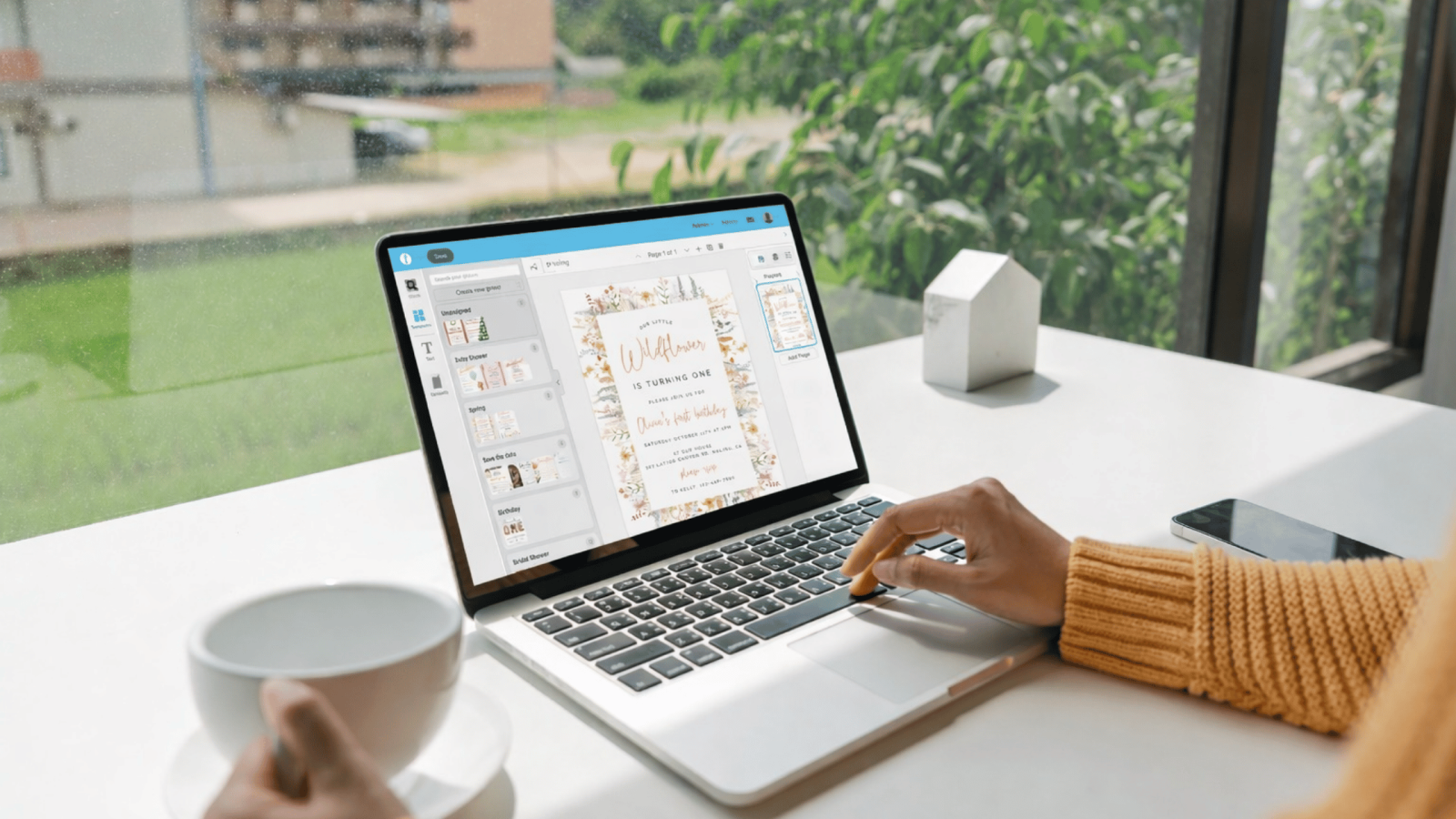
Before listing a new template, spend a few minutes using it as a customer would.
Instead of reviewing the original design, create a test version and replace the sample information with completely different content.
Try using longer names, different dates, additional event details, and alternative wording.
As you customize the template, ask yourself:
- Is the information easy to update?
- Does the design remain visually balanced?
- Is the text still readable?
- Do longer words create spacing issues?
- Can I achieve a polished result without making significant layout changes?
This simple testing process can reveal problems that aren’t immediately obvious when you’re designing.
It can also help you identify improvements that you can apply to future templates, making your design process more efficient over time.
6. Create a Consistent Experience Across Product Collections
Customer experience becomes especially important when selling matching template collections.
Imagine a customer purchasing a wedding stationery bundle that includes an invitation, welcome sign, seating chart, menu, and thank-you card.
If every template uses a completely different approach to text placement and customization, personalizing the collection can become unnecessarily complicated.
Instead, aim for consistency across your products.
Use cohesive typography, predictable layouts, and a consistent approach to organizing information.
This doesn’t mean every template needs to look identical. Each product serves a different purpose and should have a layout that reflects that purpose.
Building collections of user-friendly editable templates makes it easier for customers to personalize multiple products while maintaining a consistent visual style throughout their event.
It also gives you a repeatable foundation for creating future collections.
Why User-Friendly Editable Templates Are Good for Your Business
A customer’s experience with your product doesn’t end when they complete their purchase.
The customization process is part of the product itself.
When customers can quickly personalize a template and achieve a result they’re happy with, they’re more likely to have a positive impression of your shop.
Thoughtfully designed templates can also help reduce unnecessary customer questions, editing difficulties, and support requests.
Over time, a focus on usability can contribute to stronger customer satisfaction, positive reviews, and repeat purchases.
These benefits aren’t guaranteed by good design alone, but creating a better customer experience is something you can directly influence as a seller.
With Templett, you can start with a ready-made template, customize its visual style, and test how it works with different event details before making it available to customers.
You don’t need to reinvent your entire design process. Small, intentional improvements can make your templates more flexible, polished, and practical.
Design for the Customer, Not Just the Listing
The next time you create a template, don’t just ask yourself whether it looks good.
Ask yourself whether it will still look good when someone else edits it.
That simple shift in perspective can change how you approach typography, spacing, layout, and even the way you build product collections.
Creating user-friendly editable templates isn’t about simplifying every design. It’s about making thoughtful design decisions that help customers achieve beautiful results with minimal effort.
Before publishing your next design, take a few minutes to customize it with completely different event information.
If the result still feels polished, readable, and cohesive, you’ve created more than a beautiful template. You’ve created a better customer experience.